

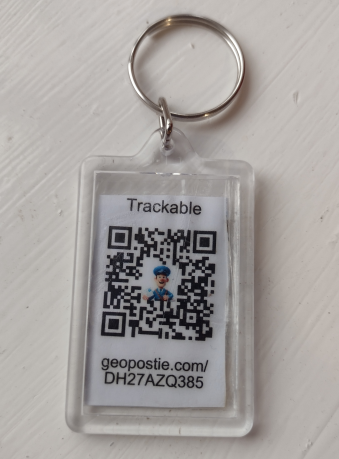
GeoPostie is a simple tool that lets you create free Geocaching trackable items, without any signup. Users can generate QR codes, which are attached to objects and placed in Geocaches. When these are scanned, a message is displayed for the next person to find it.
If you have found an item with a GeoPostie code on it, follow the instructions in the "Message" field at the top of the page. Press the "Use previous coordinates" button to log it in its last known location.

Please log that you have found the trackable as soon as you find it, so the owner knows it's going somewhere. You can easily do this by using "Use Previous Coordinates" to use the most recent location.
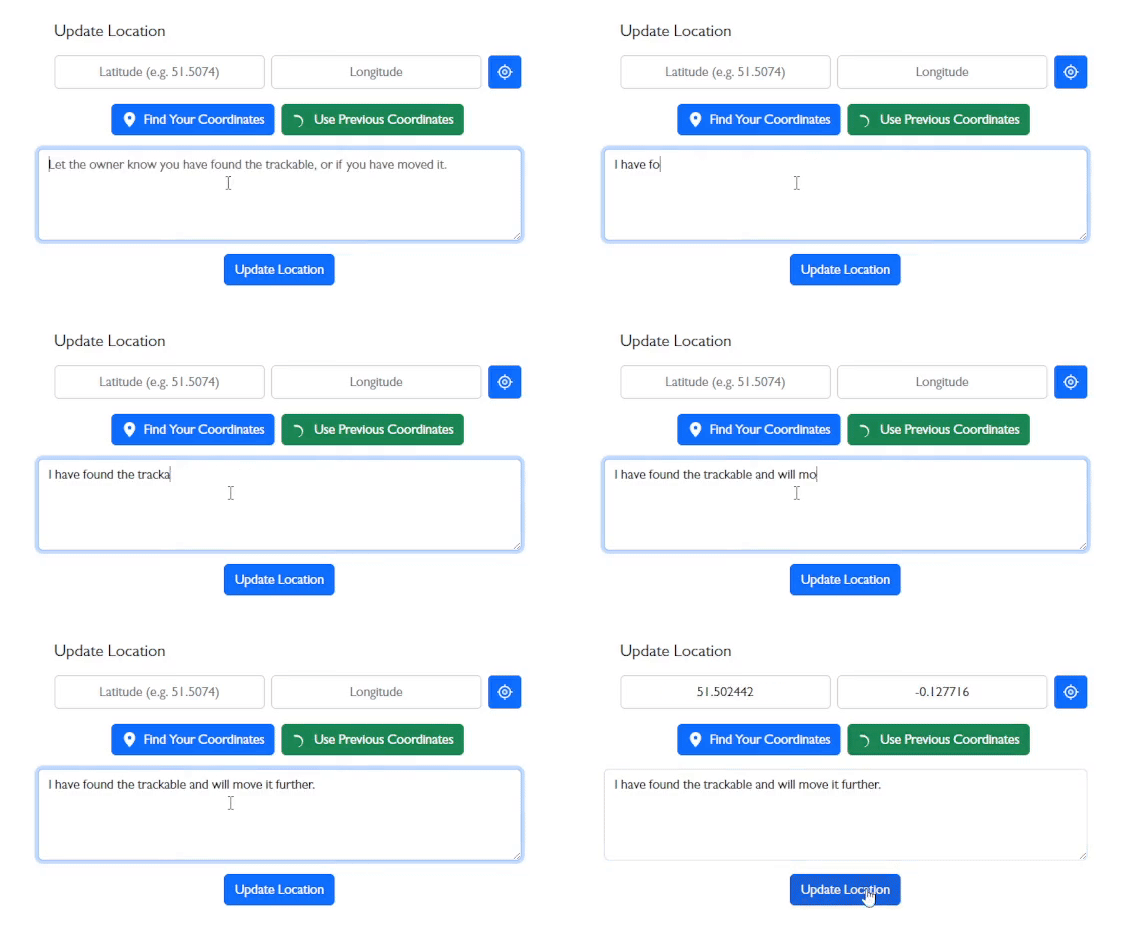
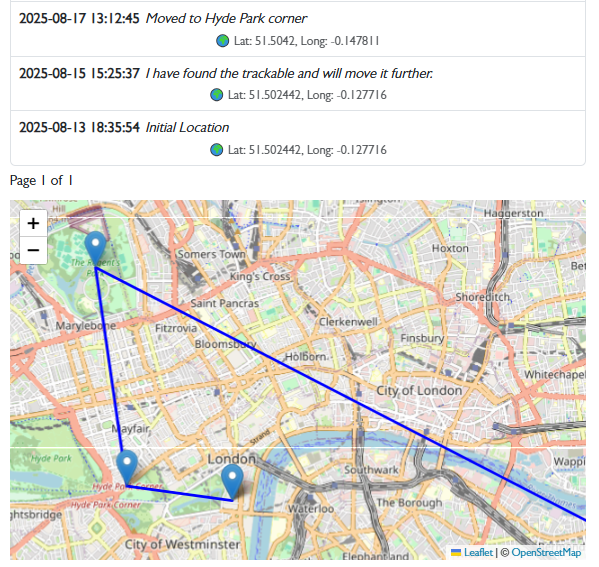
You can use your current location by pressing the button. If you'd like to find your coordinates manually, you can use "Find your coordinates" to find them from the interactive map. At the bottom of the page you can see all the locations the trackable has visited, as well as a map of them all.
On the homepage, you can enter a message and initial coordinates. Use the GPS location icon if you'd like to auto-fill your current position. After entering details, click "Create QR code" to generate a printable QR tag. Attach it to your trackable item like a toy, keyring, card, or coin and consider laminating it for weatherproofing.
Both pages show the trackable's journey on a map and list of locations. The edit page allows users to log new locations; the view page is read-only for tracking progress.
If you have questions or feature suggestions, email: [email protected]